Snagit logo

Snagit

Classic

Screen capture made easy

4.4
Paid · from $62.99 one-time
Best for Quick screenshots and simple how-tos
Try Snagit

Overview

A screenshot and simple screen recording tool from Camtasia's maker, aimed at quick captures rather than full video production.

Key features

  • Screenshot capture
  • Simple screen recording
  • Annotation tools
  • Templates

Pros

  • Very easy to use
  • One-time purchase

Cons

  • Not for complex editing
  • Limited effects

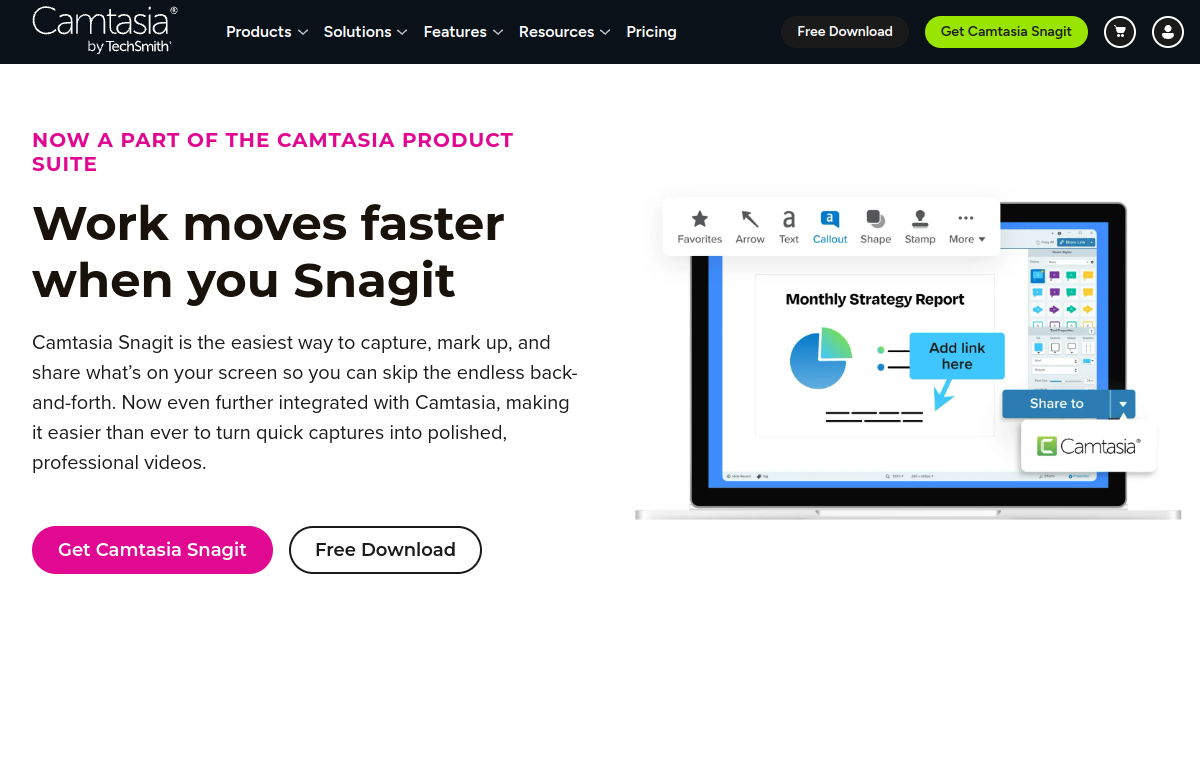
Snagit screenshot

Captured from the official website
Snagit official website screenshot

Snagit replaces

AI alternatives to Snagit

Camtasia logo

Camtasia

Classic

Screen recording and tutorial editing

4.2

Camtasia pairs screen recording with a simple timeline editor aimed at training and tutorial videos. Talking-head production still needs a camera and a script.

Screen recording
Timeline editing
Annotations
Loom logo

Loom

Classic

Async screen recording

4.3

Loom records your screen and camera for quick async updates that replace meetings. Editing and transcription options remain fairly basic.

Screen recording
Camera bubble
Transcripts
Freemium · from $12.50/user/mo
Descript logo

Descript

AI

Edit video by editing text

4.6

Descript transcribes footage and lets you edit the video by deleting words, plus AI voice cloning, filler-word removal and studio sound.

Text-based video editing
Filler word removal
Overdub voice cloning
ScreenPal logo

ScreenPal

AI

Simple screen recording and video editing

4.3

A screen recorder and editor for tutorials and training videos with AI captions, webcam overlay, and easy sharing.

Screen recording
AI captions
Video editor
Freemium · from $3/mo
Vidyard logo

Vidyard

AI

Video for business communication

4.2

A video recording, editing, and analytics platform built for sales and marketing teams to create and track tutorial and pitch videos.

AI script generation
Screen and webcam recording
Video analytics
Freemium · from $19/mo
OBS Studio logo

OBS Studio

Classic

Free open-source streaming and recording

4.4

OBS Studio records and live-streams your screen with scenes, sources and filters, all for free. Post-production and captions are left to you.

Scene switching
Screen capture
Live streaming