XSplit logo

XSplit

Classic

Broadcasting software for streamers

4.1
Freemium · from $14.99/mo
Best for Streamers wanting paid support over free OBS
Try XSplit

Overview

A live streaming and recording application offering scene switching, overlays, and plugin support similar to OBS but with a paid, supported UI.

Key features

  • Scene switching
  • Overlay templates
  • Plugin marketplace
  • Recording

Pros

  • Polished interface
  • Responsive support

Cons

  • Core features require subscription
  • Smaller community than OBS

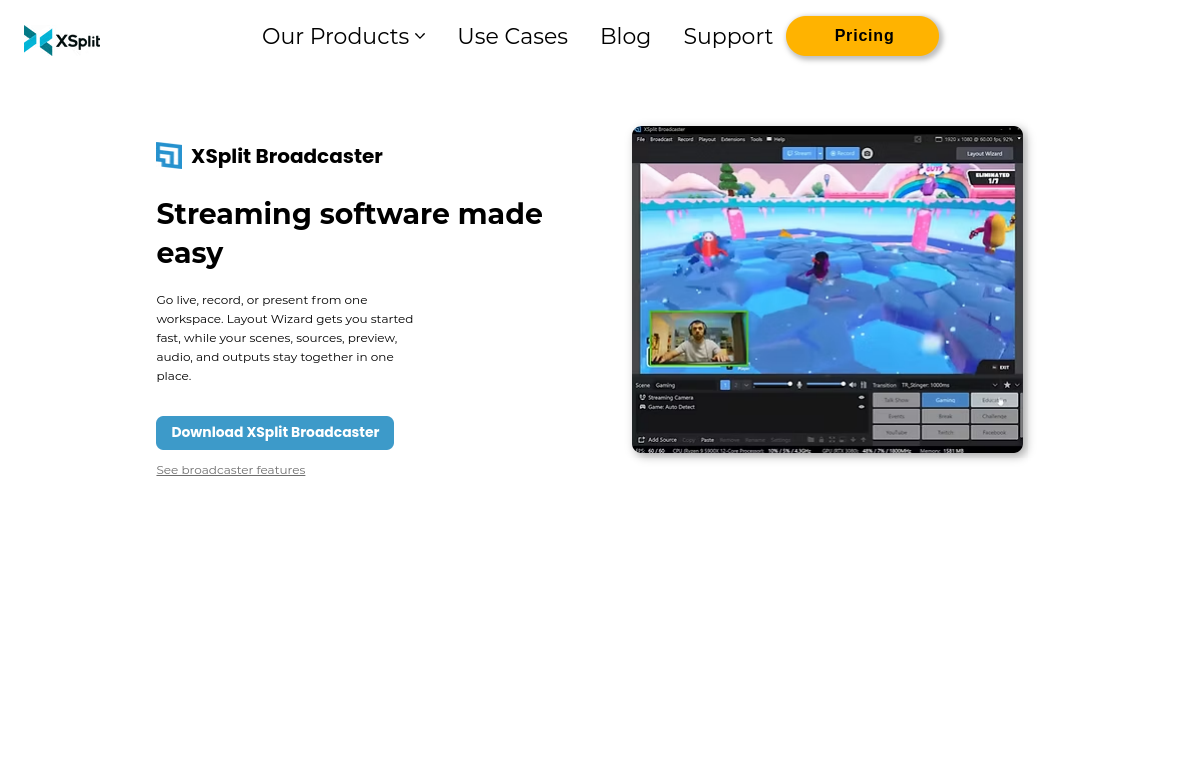
XSplit screenshot

Captured from the official website
XSplit official website screenshot

XSplit replaces

AI alternatives to XSplit

OBS Studio logo

OBS Studio

Classic

Free open-source streaming and recording

4.4

OBS Studio records and live-streams your screen with scenes, sources and filters, all for free. Post-production and captions are left to you.

Scene switching
Screen capture
Live streaming
Streamlabs logo

Streamlabs

AI

All-in-one live streaming software

4.3

A streaming and recording app built on OBS technology with built-in themes, alerts, and AI-powered highlight clipping.

AI highlighter
Stream themes and alerts
Multistreaming
Freemium · from $19/mo

Ecamm Live

Classic

Live streaming and podcasting for Mac

4.4

A Mac live streaming studio with multi-camera switching, scene design, and podcast recording features.

Multi-cam switching
Scene builder
Podcast recording
Restream logo

Restream

AI

Multistream and live studio in your browser

4.2

A cloud streaming studio that lets creators broadcast to multiple platforms simultaneously with AI live captions and analytics.

Multistreaming
Browser-based studio
AI live captions
Freemium · from $19/mo
Loom logo

Loom

Classic

Async screen recording

4.3

Loom records your screen and camera for quick async updates that replace meetings. Editing and transcription options remain fairly basic.

Screen recording
Camera bubble
Transcripts
Freemium · from $12.50/user/mo
Camtasia logo

Camtasia

Classic

Screen recording and tutorial editing

4.2

Camtasia pairs screen recording with a simple timeline editor aimed at training and tutorial videos. Talking-head production still needs a camera and a script.

Screen recording
Timeline editing
Annotations